
Branded ticket portal
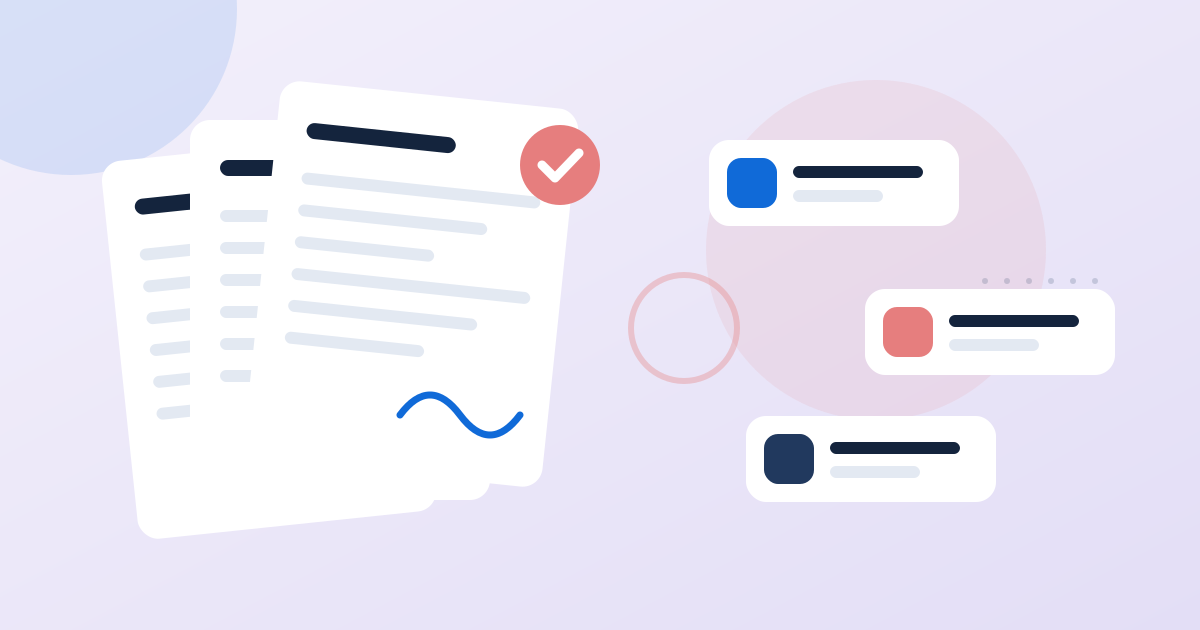
Customers submit requests through a public portal with your branding. No sign-up, no password and nothing to forget.
Customer support
Give customers a branded portal to submit requests, give your team queues with priorities and SLA timers, and ask for a satisfaction score when each ticket is resolved. Tickets sit on the same contact record as invoices, calls and messages, so nobody answers blind.
In short
Help Desk in SaaSVisionary: Tickets, SLAs and CSAT on the same record as each customer. It is part of one platform that combines CRM, business phone, AI receptionist, messaging, automation and payments for small businesses and agencies. The help desk is included on the Team plan and above. Every plan includes unlimited contacts and a 14-day free trial.
Why it matters
When support runs through a shared inbox, there is no owner, no priority and no due date on a request. Old messages are only found by scrolling. Customers can't check progress, so they email again and create duplicate threads. And because support history lives apart from sales, the account manager walks into a renewal call without knowing about last week's complaints.
Grow
Customers submit requests through a public portal with your branding. No sign-up, no password and nothing to forget.
Each ticket gets its own private link, so the customer can check progress and read your replies at any time.
Route tickets into queues, set priorities, assign an owner and track an SLA due time on every request.
When a ticket is closed, the requester is asked for a satisfaction score and comment, stored on the ticket, the agent and the customer.
See the customer's payments, appointments, calls and conversation history right beside the ticket you are working on.
SMS, email, WhatsApp, Messenger and Instagram messages are threaded per contact in one inbox, alongside your ticket queues.
Embed a branded chat widget, let AI handle routine questions and take over with the full visitor context whenever needed.
Use workflows to create follow-up tasks, tag accounts, alert a manager or text the customer based on ticket activity.
How it works
Add your logo and colors to the help desk portal and link to it from your website, emails and invoices.
Create queues for areas such as billing or technical issues, define priorities and decide your SLA targets.
Agents pick up tickets, see the customer's full history and reply on the ticket so the customer can follow along.
Resolve the ticket, collect a satisfaction score and review scores by agent and customer to improve over time.
Say Northgate IT Services manages computers for 60 small offices. A client submits a ticket about a failed backup. The technician sees the client's contract invoice and last three calls on the same screen, and the account manager spots the open ticket before next week's renewal meeting.
Replies are posted to the ticket's secure status link, and your team gets push notifications on new activity. Emailing replies directly to the requester is not available yet, so customers read responses through their link. If threaded email replies are essential for your team today, keep that in mind.
The help desk is included on the Team plan and above. Team includes 10 seats and Unlimited includes unlimited seats, all working the same queues with no per-agent charge. Every plan includes a 14-day free trial.
Compare plansFAQ
Help desk software organizes customer requests as tickets, each with an owner, a priority and a status, so nothing gets lost the way it can in a shared inbox. SaaSVisionary adds a branded submission portal, SLA due times and satisfaction surveys, and connects every ticket to the customer's CRM record.
The help desk is available on the Team plan and the Unlimited plan. It is priced as part of the plan rather than per agent: Team includes 10 seats and Unlimited includes unlimited seats. Start a 14-day free trial on the Team or Unlimited plan to try it before paying.
No. Customers submit requests through your branded public portal without creating an account or password. Each ticket comes with a secure status link that lets them check progress and read replies, which cuts down on follow-up emails asking for updates.
Not yet. Replies appear on the ticket's secure status link and your team receives push notifications, but automatic email delivery of replies is not built. Customers follow their status link to read your responses. If threaded email replies are a requirement, you may want to wait for that feature.
The shared inbox handles conversations across SMS, email, WhatsApp, Messenger and Instagram, threaded per contact. Use the help desk for issues that must be assigned to someone, ranked by urgency, tracked against a deadline and closed out properly. Many teams use both, and both are tied to the same contact record.
Guides & articles

Most agency clients decide whether to stay long before the renewal date. This playbook breaks the first year into stages, with the moves that keep clients confident at each one.
A website chatbot is only as useful as the conversation it is built to have. Here is how to script one that separates serious buyers from browsers and hands them to your team with context.
A service level agreement tells clients exactly what to expect from your agency and when. Here is how to write one that is fair, measurable, and easy to keep.
Scope creep rarely arrives as one big request. It sneaks in through small favors and vague briefs. A simple change request process protects your margin without making you the difficult agency.
When know-how lives in a few people's heads, every absence becomes a crisis. A lean knowledge base turns that know-how into SOPs and playbooks anyone can follow.
New clients judge your agency in the first month. A short, well-timed SMS sequence keeps them moving, answers questions fast and sets up a support channel that doesn't burn out your team.
Works great with
SMS, email, WhatsApp and social DMs in one thread per contact.
Learn moreVisual workflows that text, email, call and update your CRM.
Learn moreAsk for reviews automatically the moment a job is done.
Learn moreCustom objects, smart segments and a report builder shaped to your business.
Learn moreNamed AI coworkers with duties, permissions and an approvals inbox.
Learn more
Try the plan you choose free for 14 days. Switch plans or cancel any time from your billing settings.