
Branded invoices and quotes
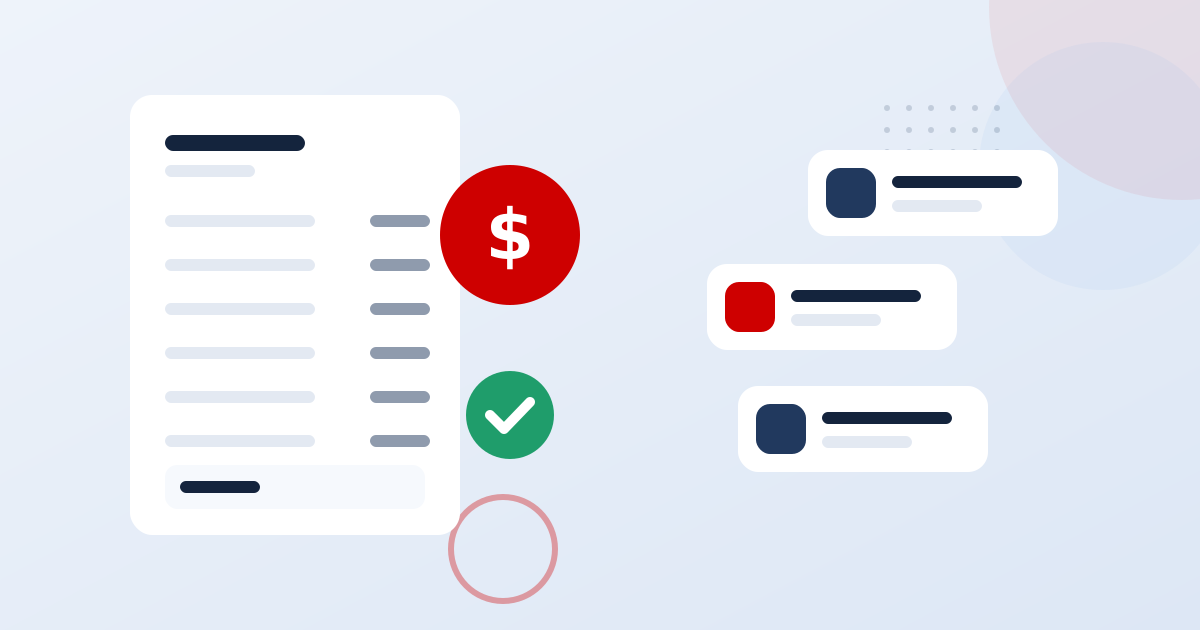
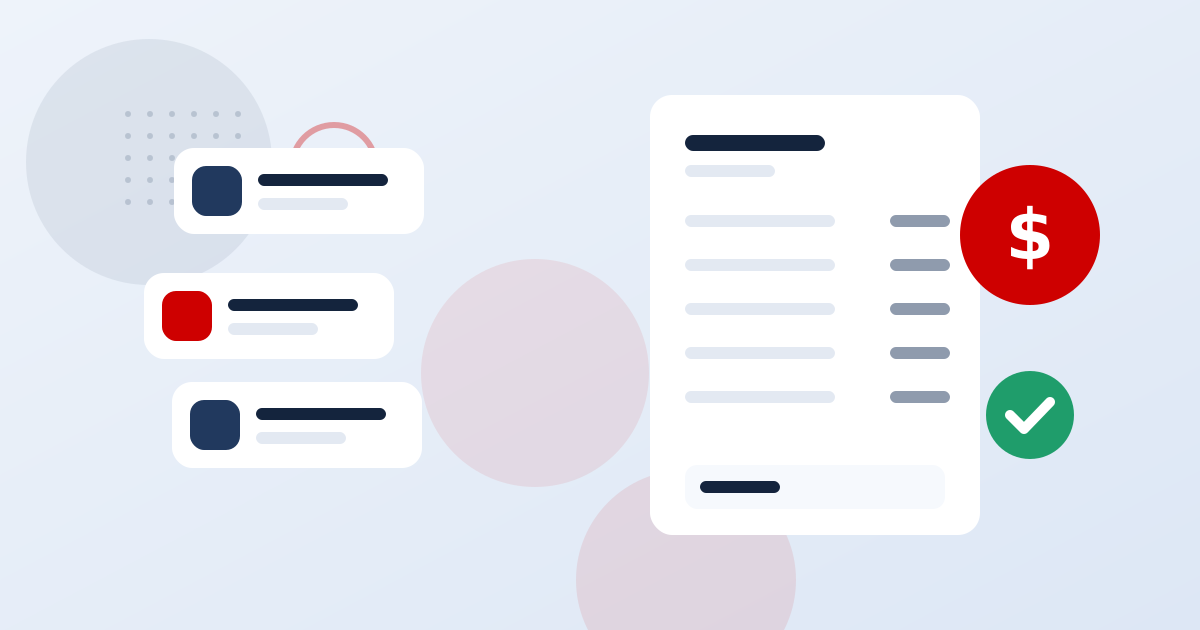
Build invoices with reusable line items, publish a public link and track status history. Duplicate, close, archive or mark paid in a click.
Invoicing and payments
Create a branded invoice from the customer's record, send the payment link by text or email and let them pay by card from their phone. Deposits, installments and subscriptions are built in, and every payment goes straight to your Stripe account with nothing taken on top.
In short
Get Paid in SaaSVisionary: Invoices, text-to-pay, deposits and payment plans on your Stripe. It is part of one platform that combines CRM, business phone, AI receptionist, messaging, automation and payments for small businesses and agencies. Invoicing, payment plans and Stripe checkout are included on every plan, starting with Starter. Every plan includes unlimited contacts and a 14-day free trial.
Why it matters
Every day between finishing a job and sending the invoice is a day your customer holds your cash. Then comes the awkward part: chasing it. Tools that route payments through their own balance add another delay before money reaches your bank. Invoicing from your CRM, on your own Stripe account, shortens every step.
Close
Build invoices with reusable line items, publish a public link and track status history. Duplicate, close, archive or mark paid in a click.
Send the payment link by SMS so customers can pay by card from their phone in seconds, right after the job is done.
Require payment on a booking type so the deposit is collected before the time slot is reserved. The confirmation waits for the payment result.
Split a large job into a fixed number of installments, schedule a future charge or start a subscription for recurring services.
Charge a saved payment method or send customers to checkout. Card details are handled by Stripe and never stored in SaaSVisionary.
Link as many Stripe accounts as you run; payments, refunds, subscriptions and declined charges appear on the matching contact the moment they happen.
Sell recurring products through your funnels. Access is granted on payment and removed when a subscription ends, and buyers manage their card through Stripe's portal.
How it works
Link your own Stripe account. Payments go directly there, and you pay only Stripe's standard processing fees.
Open the customer's record, add line items and choose one-time, installment, recurring or scheduled payment.
Text or email the payment link. Customers see a clean payment page with a timeline of the invoice and any past payments.
Payments and failed charges sync to the contact. Automatic reminders and workflows follow up on anything still open.
A landscaping client might pay a deposit now and the balance at completion. A coaching client pays monthly. A bigger renovation for Riverbend Homes might be split into three payments. SaaSVisionary handles each structure on one invoice without workarounds.
When a payment lands in Stripe, it also appears on the contact in SaaSVisionary, next to their calls, messages and appointments. Anyone on your team can see what a customer has paid without opening Stripe, and a failed charge can trigger a friendly follow-up automatically.
Invoicing, payment plans and Stripe checkout are included on every plan, starting with Starter. Text-to-pay needs SMS, which starts on Pro. Booking deposits start on the Team plan. You pay Stripe's processing fees directly; SaaSVisionary takes no share of payments.
Compare plansFAQ
No. You connect your own Stripe account and payments go directly into it. You pay Stripe's standard processing fees and nothing extra to SaaSVisionary. Your revenue is never held in a shared platform balance, so payouts follow your normal Stripe schedule.
Text-to-pay means sending a customer a payment link by SMS so they can pay an invoice by card from their phone. It's popular with trades and mobile services because customers can pay on the spot. In SaaSVisionary text-to-pay uses your own Twilio number and requires the Pro plan or higher.
Yes. Put a price on a booking event type and the customer pays while booking, before the time slot is reserved. The deposit goes to your Stripe account and the confirmation is sent once payment succeeds. Paid appointments are available from the Team plan.
Yes. Installment plans are a separate structure from subscriptions, so a three-payment plan charges exactly three times and then stops. You can also schedule a charge for a future date or combine immediate and recurring items on the same invoice.
Failed charges sync from Stripe to the customer's contact record, so you see them right away instead of at month-end. You can trigger a workflow that sends a polite reminder with a new payment link or creates a follow-up task for your team.
Invoicing, payment plans and card checkout are included on every plan, starting with Starter. Text-to-pay requires Pro, where SMS begins, and booking deposits require Team. Every plan includes a 14-day free trial, so you can test the plan you choose.
Guides & articles

Recurring retainers, fixed-price installments and one-off project fees each need a different billing setup. Here is how to automate all three and keep reminders from misfiring.
Most agency owners look at their bank balance and guess. A short monthly routine built on three reports and a handful of ratios replaces the guessing with decisions you can defend.
A profitable agency can still run out of cash. This guide shows how to forecast 13 weeks ahead, set payment terms that protect you, and collect without awkward chasing.

Late invoices are rarely a client problem. They are usually a process problem. Here is how to automate retainer and project billing so invoices go out on time and payments match up without detective work.

The first month decides how a client feels about your agency for the rest of the contract. This playbook gives you a reusable core track, service add-ons and a day-by-day timeline.

Recorded calls are great for coaching and dispute resolution, but only if you get consent right and lock the files down. This playbook covers disclosures, retention, and access.
Works great with
Estimates and proposals with e-signature, linked to invoices.
Learn moreOnline scheduling with calendar sync, round robin and deposits.
Learn moreA branded storefront where every order lands on a CRM contact.
Learn moreBuild, sell and track online courses with students in your CRM.
Learn moreVisual workflows that text, email, call and update your CRM.
Learn more
Try the plan you choose free for 14 days. Switch plans or cancel any time from your billing settings.